How to Enter the Dormitory (Access Control)
※Dormitory access control is limited to the entrance of your assigned dormitory and the service center.
【For Students with a Student ID card】
A. Use student ID card:
Hold the student ID card close to the number pad area of the card reader
→ The screen will show the unlock icon once successful
→ Open the dormitory entrance (for automatic doors, move close to the entrance to trigger the infrared sensor)
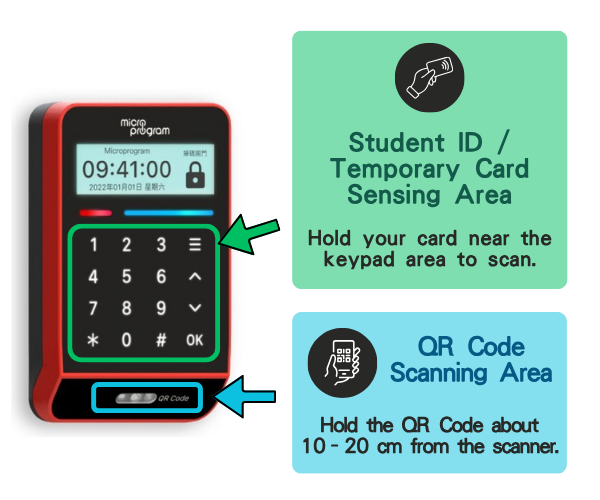
Hold the student ID card close to the number pad area of the card reader
→ The screen will show the unlock icon once successful
→ Open the dormitory entrance (for automatic doors, move close to the entrance to trigger the infrared sensor)
B. Use the iNTHU App to scan the QR code and enter.
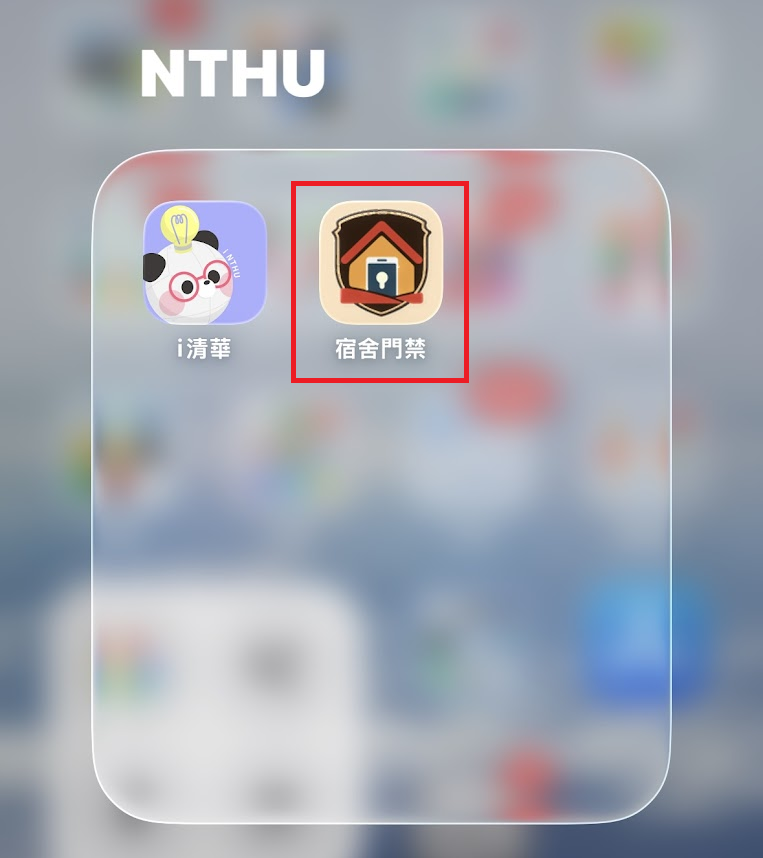
a. Download: Search "iNTHU" or scan the QR code below.
| iOS | Android |
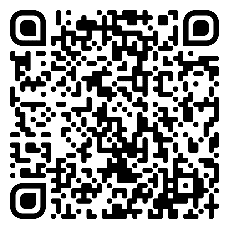 | 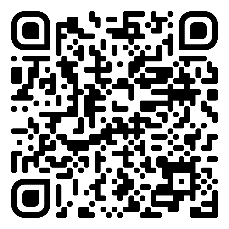 |
b. How to use:
Open the "iNTHU" App
→ Select "Access control"
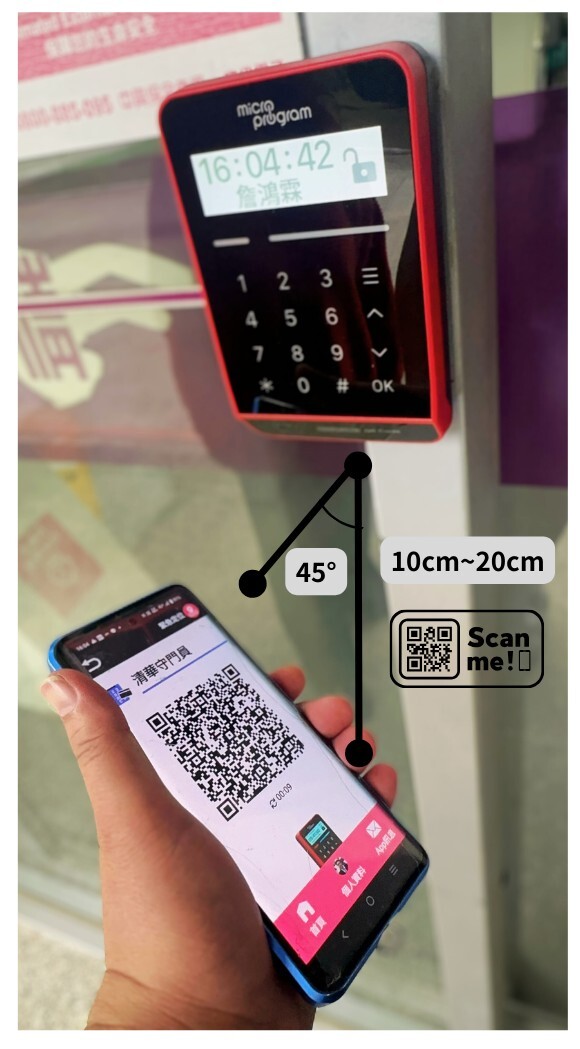
→ Scan the QR Code using the camera below the card reader. Hold your phone 10–20 cm away at a 45-degree angle. (Do not place your phone against the reader to avoid activating mobile wallet.)
→ The screen will show the unlock icon once successful
→ Open the dormitory entrance (for automatic doors, move close to the entrance to trigger the infrared sensor)
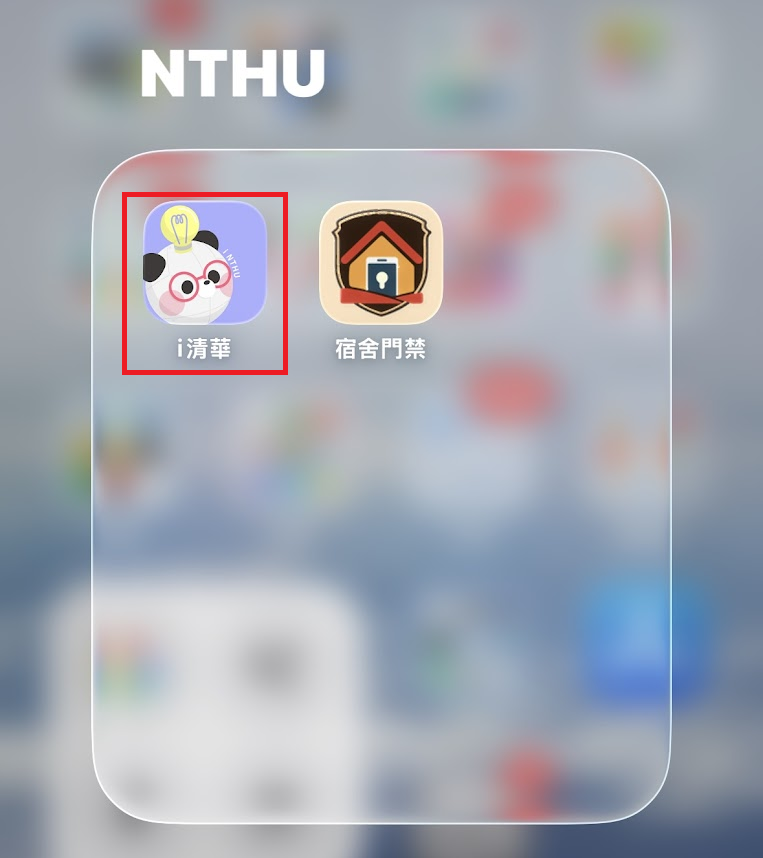
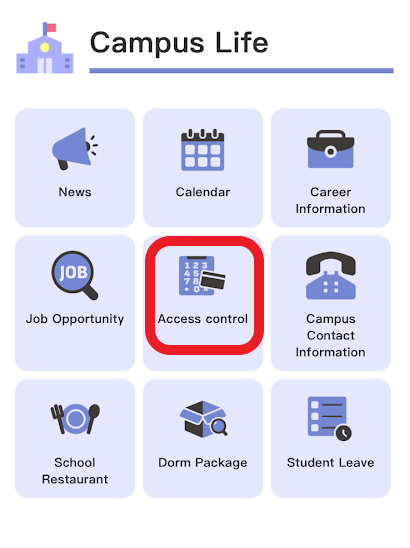
Open the "iNTHU" App
→ Select "Access control"
→ Scan the QR Code using the camera below the card reader. Hold your phone 10–20 cm away at a 45-degree angle. (Do not place your phone against the reader to avoid activating mobile wallet.)
→ The screen will show the unlock icon once successful
→ Open the dormitory entrance (for automatic doors, move close to the entrance to trigger the infrared sensor)
【For New and Exchange Students Without a Student ID card】
A. New students who have not yet received their student ID card may use a temporary QR Code to enter the dormitory. The temporary QR Code is limited to use within the dormitory area only and is generally available from the end of June to mid-September each year. After receiving your student ID card, please use your student ID card or the iNTHU app to enter the dormitory.
a. Login: https://housing150.et.nthu.edu.tw/dormdoor/auth/login (Login will be available starting 3 days before check-in.)
b. Add shortcut to your phone's home screen → Open the app
For Chrome: Refer to Google Chrome Help
For Safari: Refer to iPhone Help
For Chrome: Refer to Google Chrome Help
For Safari: Refer to iPhone Help
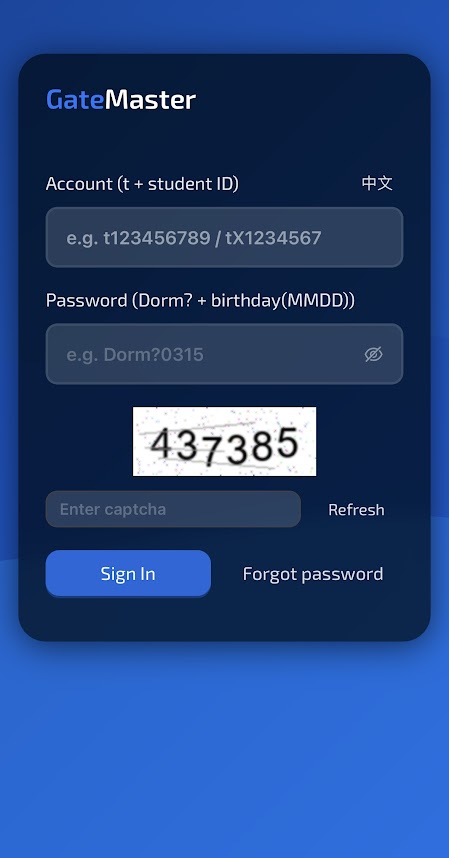
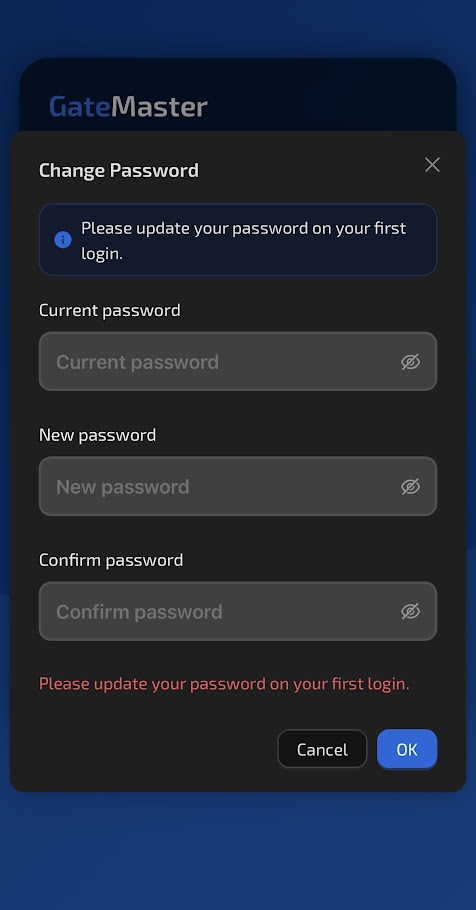
c. Enter your account, default password, and captcha. (Upon first login, please update your password and log in again.)
Account (case-sensitive): t + Student ID
Default password (case-sensitive): Dorm? + birth day (MMDD)
Example for degree student: Account = 114123456, Birthday = January 2 → User id: t114123456, Password: Dorm?0102
Example for exchange student: Account = X1234567, Birthday = March 15 → User id: tX1234567, Password: Dorm?0315
Account (case-sensitive): t + Student ID
Default password (case-sensitive): Dorm? + birth day (MMDD)
Example for degree student: Account = 114123456, Birthday = January 2 → User id: t114123456, Password: Dorm?0102
Example for exchange student: Account = X1234567, Birthday = March 15 → User id: tX1234567, Password: Dorm?0315
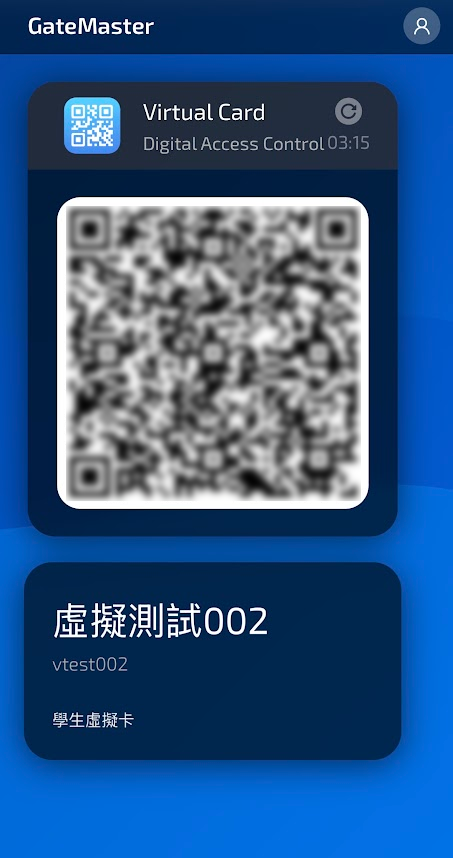
d. Scan the QR Code using the camera below the card reader (10–20 cm away from the reader at a 45-degree angle)
→ The screen will show the unlock icon once successful
→ Open the dormitory entrance (for automatic doors, please move close to the entrance to trigger the infrared sensor)
→ The screen will show the unlock icon once successful
→ Open the dormitory entrance (for automatic doors, please move close to the entrance to trigger the infrared sensor)
B. If you are a returning, deferred, exchange, or waitlisted student and cannot log in or access the dorm, please contact the Division of Student Housing during office hours.
【For Students Who Lost or Are Replacing Their Student ID card】
A. Borrow a temporary card from your dormitory's service center. Once you receive your new student ID card, please return the temporary card. If the temporary card is lost, damaged, or not returned on time, a compensation fee of NT$200 will be charged according to "Loan Procedures for NTHU Housing Temporary Card"
B. If your student ID card cannot be used to access the dormitory, please contact the Division of Student Housing or your service center.
C. For reissuance of a student ID card, please contact the Campus Security Office at 03-5714769.